
Deleted is not gone.
Photos, videos, documents and everything else a memory card, USB stick or external drive still holds. Scan and look for free. If the app finds your files, you pay once. No subscription. Ever.
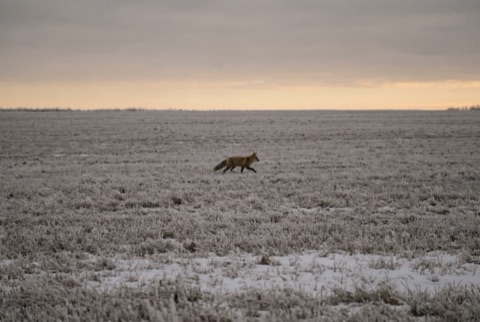 intactDSC06183.JPG3,5 MB
 intactDSC06190.JPG3,2 MB
 intactDSC06188.JPG2,9 MB
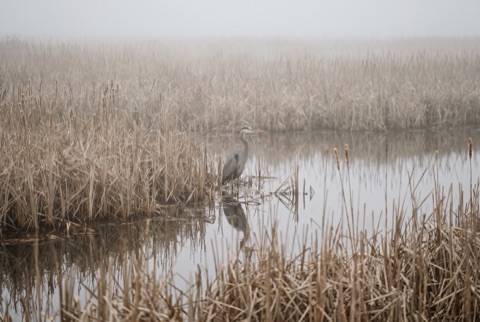 intactDSC06201.JPG3,3 MB
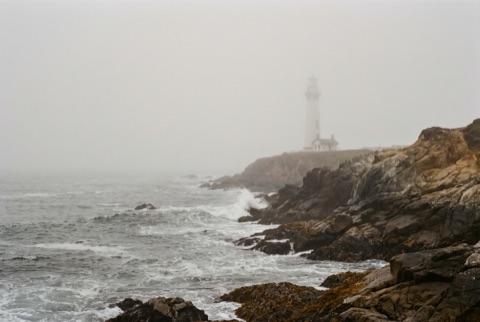 intactDSC06195.JPG3,5 MB
Which drive?
Cards, USB sticks, external and internal drives. Only the disk macOS runs from is greyed out.
72 % hold data, the rest is empty.
Last scans
Back up the drive first
Every read of a failing drive is a risk. Retriever copies it once, bit for bit, and works on the copy.
0,00 GB of 63,86 GB copied, 0 unreadable areas
Sniffing through 63,86 GB…
Found 0 files so far
Fetching 17 files
0 of 17
All 17 files verified!
- data
- empty
- overwritten
- unreadable
- found
- saved
Deleting removes the order, not the bytes.
A photo on a card is a grid of bytes. Deleting it takes away the name and the order. The bytes stay until the space is reused.
 IntactEvery byte in place. Name, folder and date included.
 DeletedStill here. Retriever finds the pieces and puts them back in order.
 OverwrittenGone. Nobody gets this back, and Retriever says so.
On FAT12, FAT16, FAT32, exFAT and NTFS, names, folders and dates come back too, also after a quick format where the old directories survived. Files deleted in the Finder often sit in the card's hidden trash, and those come back with names.
Sniffs through every byte. Makes no drama about it.
Sniffing through 128 GB…
Found 0 files so far
- data
- empty
- overwritten
- unreadable
- found
- saved
Read-only
The source is never written to. Not one byte, no repair attempts.
Copy first
A bit-for-bit backup of the drive. From then on the app works on the copy.
Read errors do not stop it
Bad sectors become gaps and are shown. The run continues.
You see your files before you pay.
Thumbnails by day, the folders of the drive, filters, full-size previews. Videos and audio play. Every file carries an honest badge.
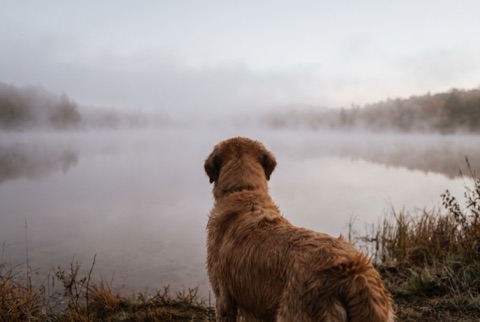 intactDSC06212.JPG2,8 MB
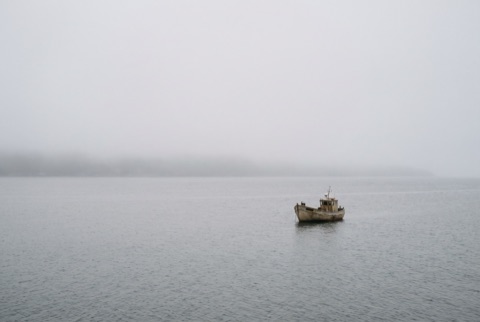 intactDSC06209.JPG2,7 MB
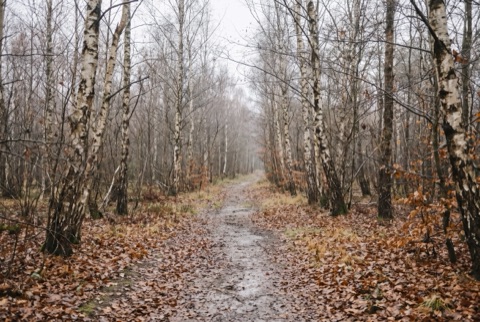 fragmentedDSC06207.JPG5,4 MB
 probably damagedDSC06171.JPG4 MB
Everything up to here is free. Choose the drive, back up, scan, look. You pay only for the last step: saving the files to a place of your choice. Never onto the source drive.
If nothing is left, it says so. In seconds.
Right after you choose a drive, Retriever takes a quick look. For a wiped disk it tells you before anyone spends hours on a backup.

- data
- empty
- overwritten
- unreadable
- found
- saved
The app says it like this: "21 % hold data, 75 % were overwritten with a fill pattern. Where the pattern is, nothing is left." If it finds nothing, it costs nothing.
Pay once. Or not at all.
Free
- Choose the drive
- Back up, bit for bit
- Scan
- Look at everything found, full-size previews included
Recover
once
Taxes are shown at checkout for your country.
- Every Mac you own
- Recover as often as you like, every card, every drive
- All future updates included, for life
- Never expires
- No account, no login
- License key in the browser and by email, verified offline
Card, Apple Pay or Google Pay, and local methods depending on your country. No account needed.
What it does not do
- Bring back overwritten data.
- Guess at a video when a piece lies out of order or was overwritten. It stays honestly marked "fragmented".
- Repair damaged files.
- Recover files from the Mac's own disk. Apple Silicon Macs keep it encrypted, so a scan would find only cipher text. For that, look in Photos under Recently Deleted, or in Time Machine.
- Read APFS, HFS+ or ext.